
Preview
A look inside the app
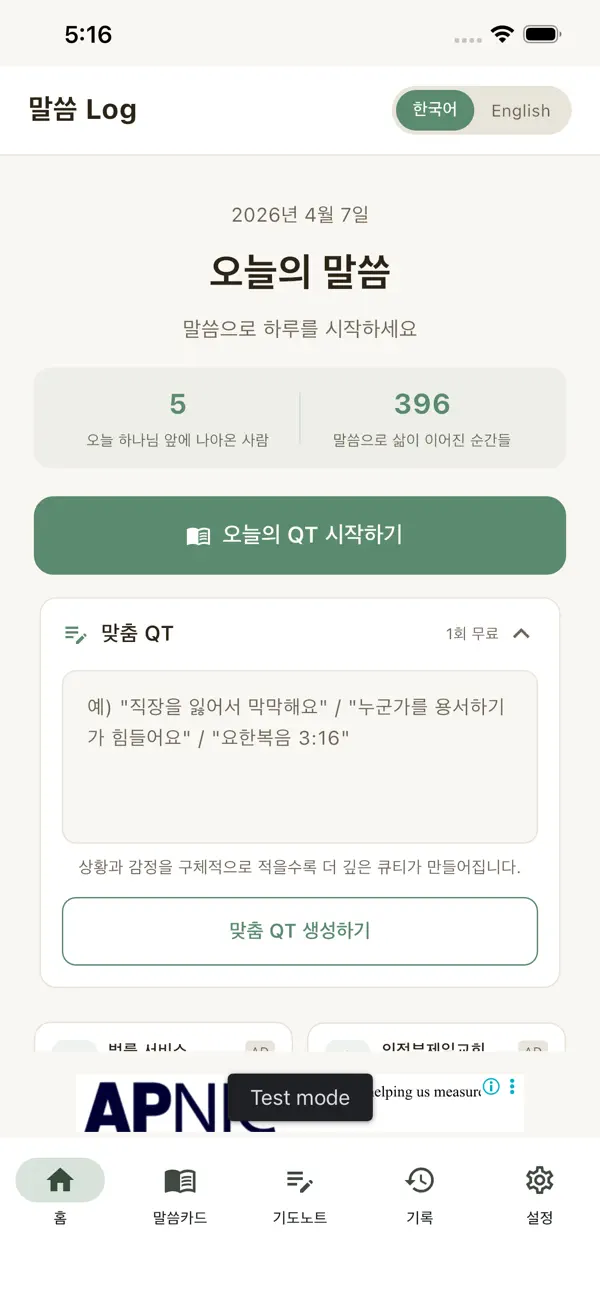
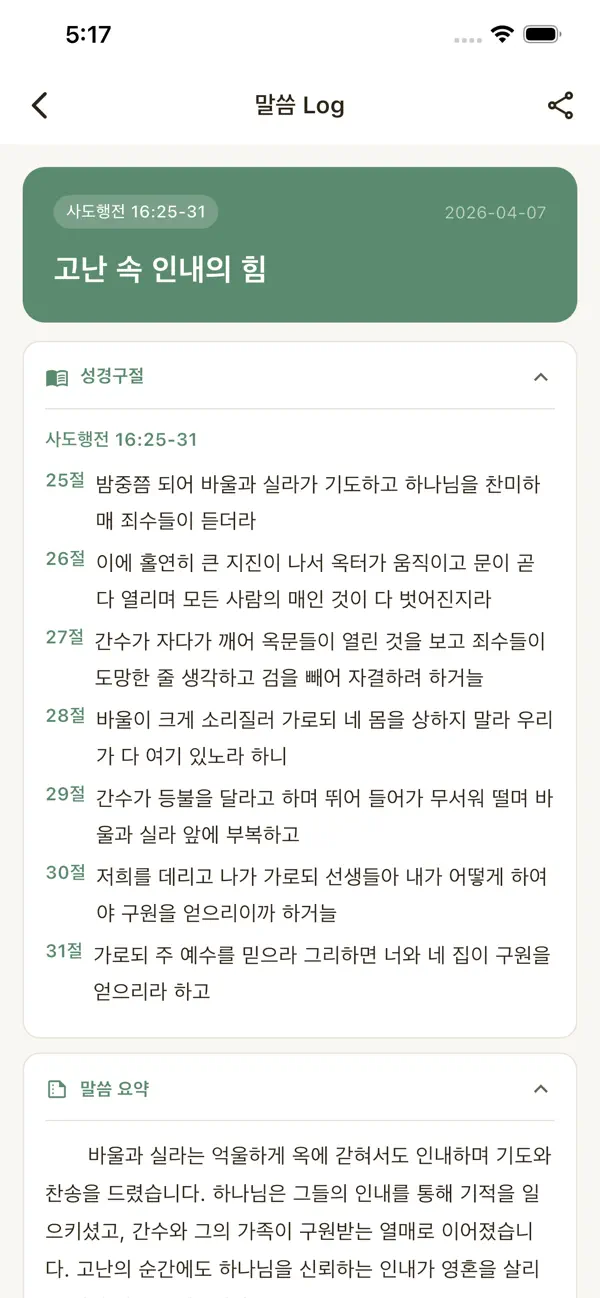
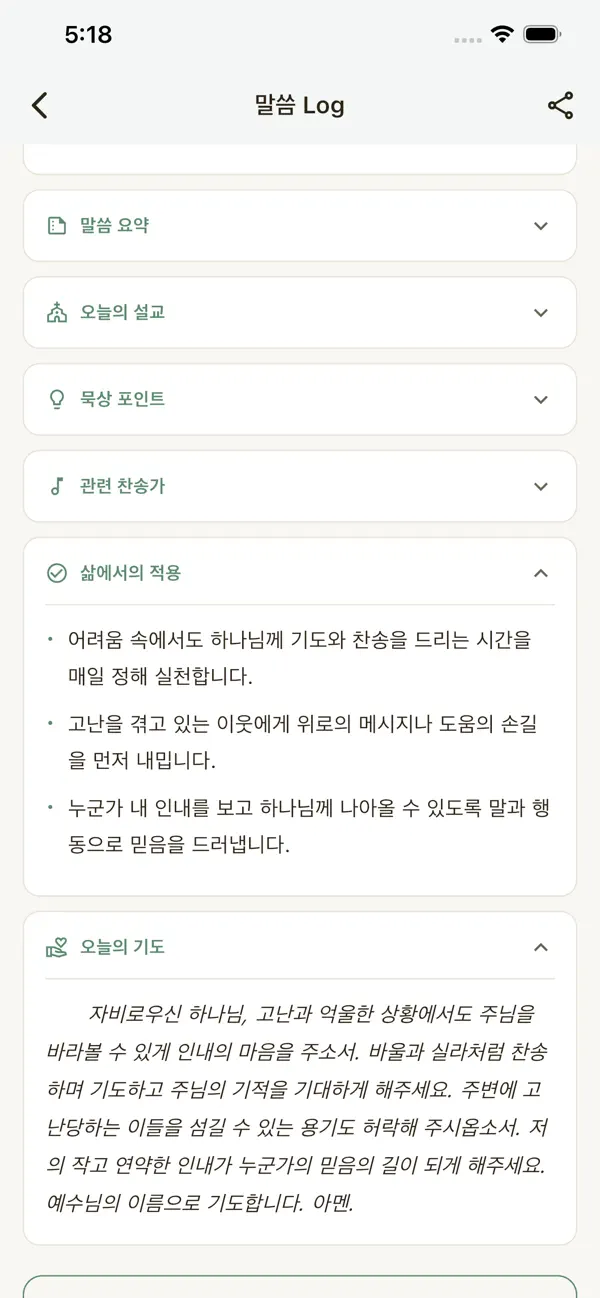
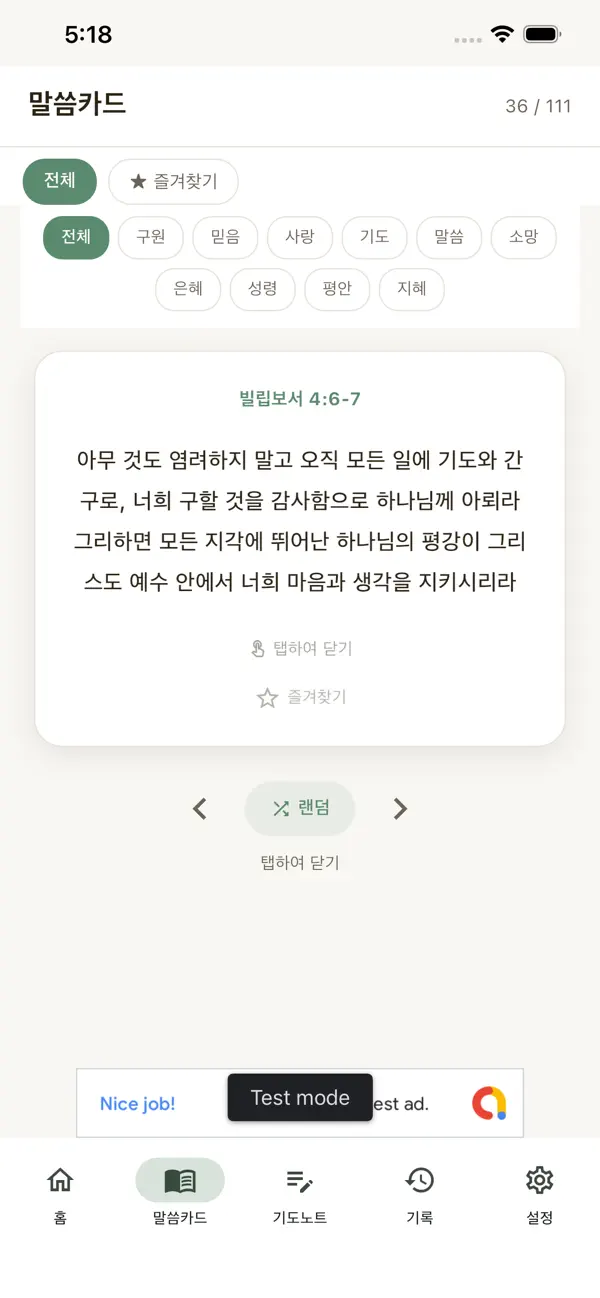
Swipe to see more
Try this
Try writing this
- I can't seem to pray
- I lost my job and I'm scared
- I know I should forgive, but I can't
- My child is sick and there's nothing I can do
After you write it, you'll get Scripture, today's message and today's prayer.
Features
Features
A devotion for you
Write one line about how you feel, and we'll find the Word that speaks to it. Made for anyone who fell behind on a reading plan.
Today's QT
A daily devotion, ready when you open the app — the passage and reflection are waiting, no need to decide what to read first.
Prayer notes
Write down prayer requests and record how they were answered. Look back later and see how God walked you through.
Word cards
Save a verse that stayed with you as an image card and share it.
Devotion reminders
A gentle reminder at the time you choose. You can turn it off anytime.
FAQ
Questions
How do I use it in English?
The app opens in Korean. Tap “English” at the top of the home screen once, and devotions, prayers and menus switch to English.
Which Bible translation is used?
In English, verses are quoted from the King James Version (KJV). In Korean, the Korean Revised Version (개역한글) is used.
Why is the store name in Korean?
The app is listed as “말씀 Log” (Malsseum means “the Word” in Korean). It's the same app — just install it and switch to English.
Is it affiliated with a church or denomination?
No. It's made by an individual developer and isn't affiliated with any denomination, church or organization.
Which devices are supported?
iPhone and iPad (App Store) and Android (Google Play).